Description
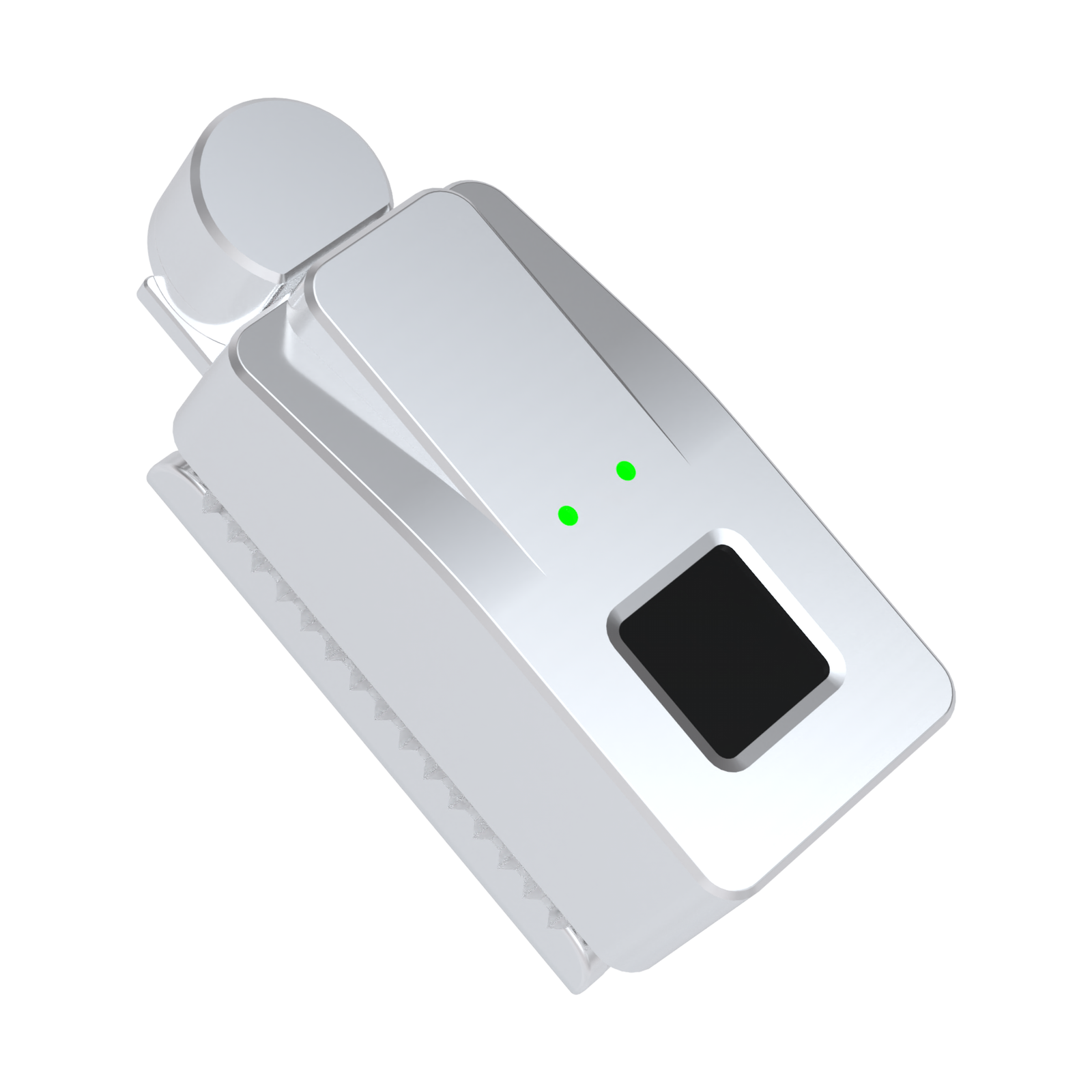
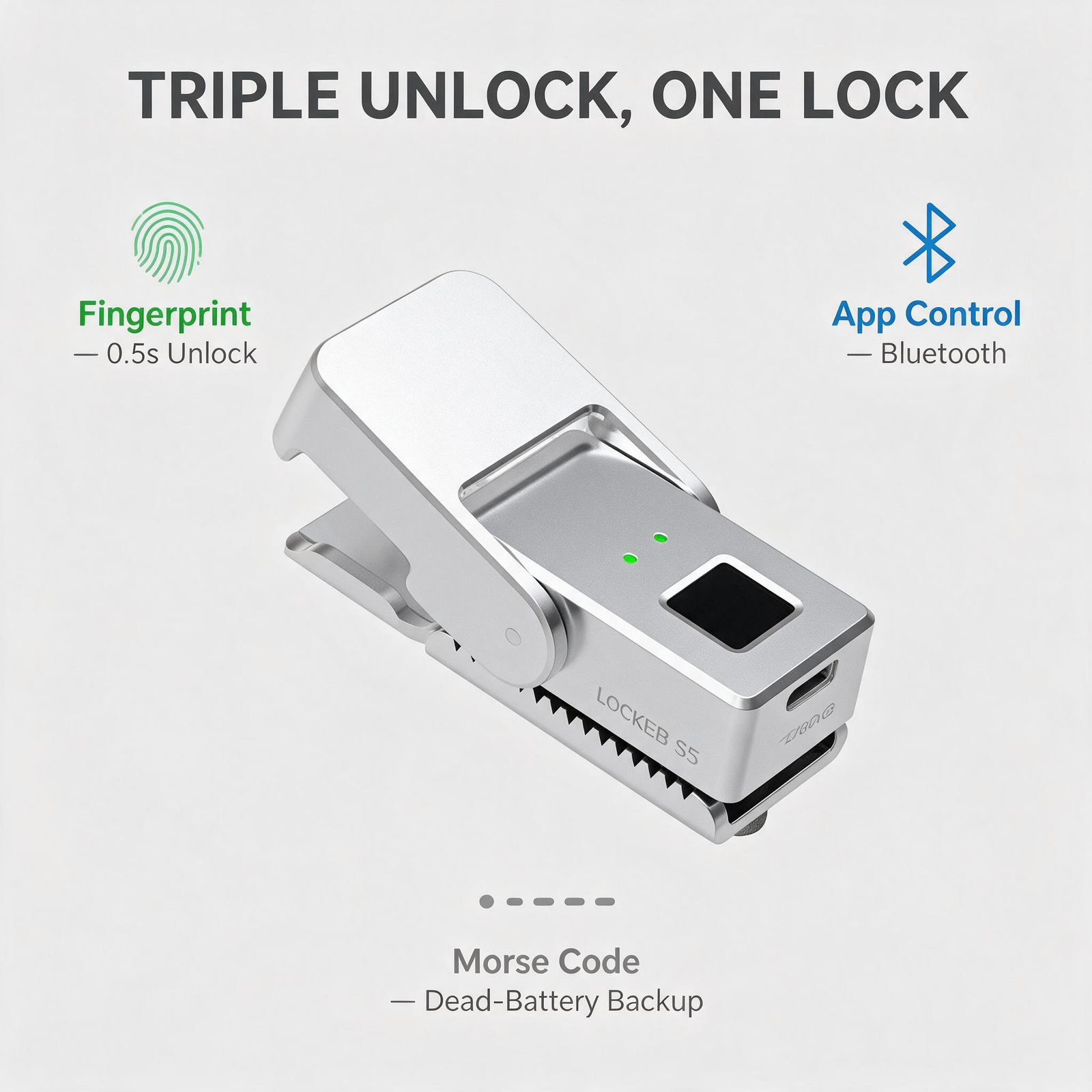
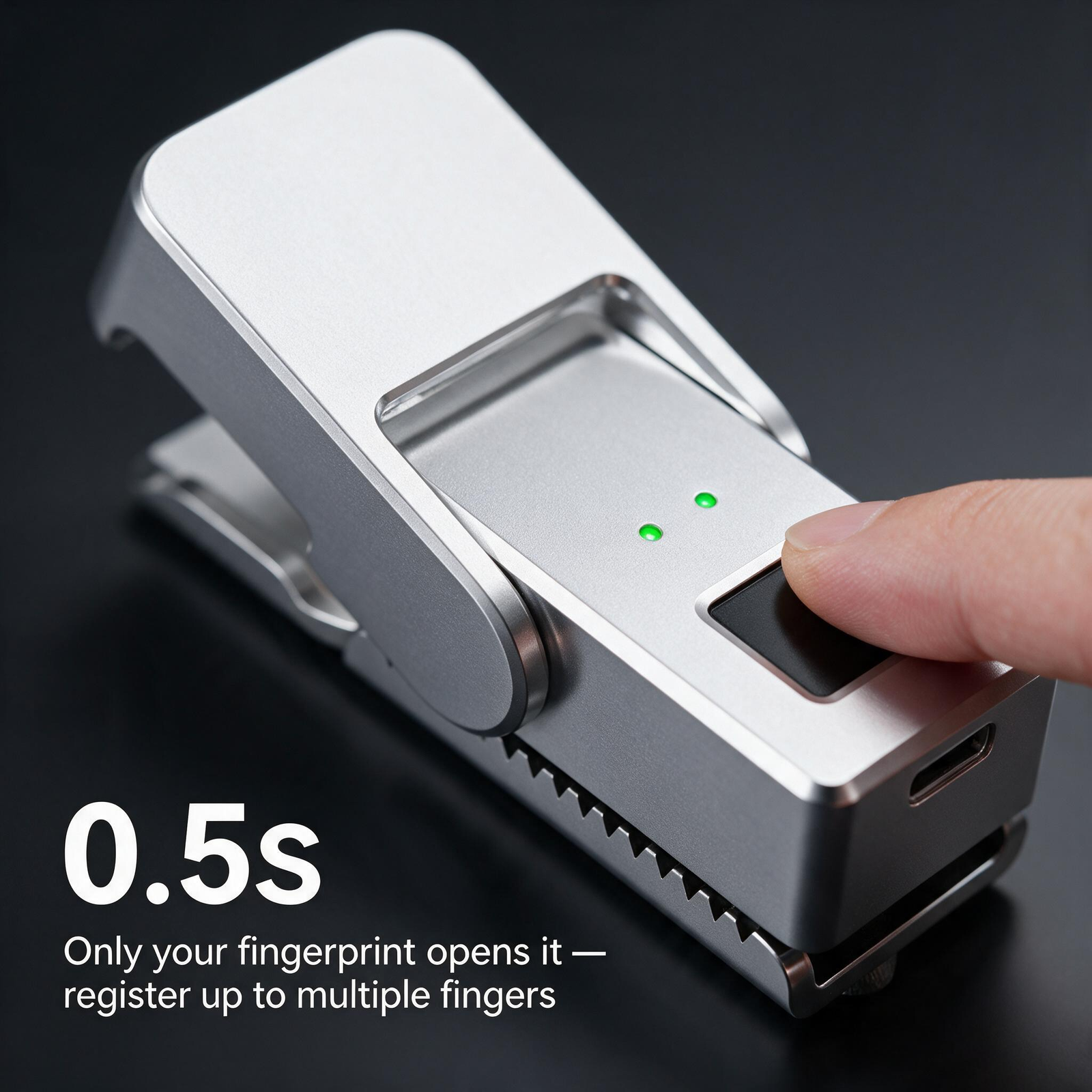
LOCKBB S5 Fingerprint Zipper Lock — Hinged Cover The LOCKBB S5 is the hinged-cover model of the LOCKBB fingerprint zipper-lock series. Its stamp-clamp body closes over the zipper pull like a stapler, so the pull is fully housed inside the lock once the cover snaps shut. A zinc-alloy housing carries a 0.5-second fingerprint sensor, a two-stage tap-code backup, and USB-C charging, finished in silver, matte black, or a black & white duo-tone. The S5 is aimed at bags whose zipper pull should stay put: the commuting backpack you set down in crowded places, the suitcase that rides in overhead bins, the school bag that travels in a full classroom. Setup and removal are done with the supplied mounting plate and screws — no drilling into the bag and no damage to the fabric. How the Hinged Cover Protects the Pull The S5 lock body mounts at your chosen locking point with a mounting plate on the opposite side of the zipper. Opening the hinged cover exposes the locking area; closing it captures the zipper pull inside the housing. Because the cover is hinged rather than detachable, the pull stays captive from the moment you snap it shut until you deliberately unlock — nothing dangles, and the lock cannot be pocketed separately from the bag. Choose the S5 over the S7 detachable buckle when you want that permanently housed pull and a lower-profile silhouette on the zipper line. Fingerprint Access, Tap-Code Backup, App Control Fingerprint unlock in about 0.5 seconds once a registered finger is accepted — lift your finger as soon as the green light appears and open the cover. Up to 10 fingerprints stored, so family members or teammates can each enroll a finger. On app-enabled versions the first fingerprint is registered through the app; later ones can be added directly on the sensor. Two-stage tap-code backup (the manual's “Morse code”): while the light is green, tap the first group of your code; while it is blue, tap the second. The factory-default code is 33. The sensor reads the code electronically, so the lock needs battery power for this path — recharge it if it does not respond. A successful emergency unlock restores factory settings: stored fingerprints and the personal code are erased, so set them up again before the lock goes back into service. The APP + Fingerprint tier pairs over Bluetooth with the Tuya Smart app for one-tap unlock, shared access, and battery status. The Fingerprint Only tier has no Bluetooth — everyday unlocking works with the sensor alone. Safety default to know: before any fingerprint is registered, any finger can open the lock. Register your fingerprint and test it before you lock the bag. Installing the S5 on a Compatible Zipper Unlock the lock, lift your finger from the sensor, and open the hinged cover to reach the mounting area. Place the lock body and mounting plate on opposite sides of the zipper at the locking point, align the holes, and secure the assembly with the mounting screws. Move the zipper slider toward the lock. Set the zipper pull into the locking area and close the hinged cover over it. Check that the assembly is firm, unlock, and confirm the pull releases freely. Set up fingerprints and test unlocking while the bag is still open. Do not force the parts or overtighten the screws; compatibility depends on the zipper-pull shape, spacing and bag construction. Care IP54: protected against dust and splashing water — do not submerge the lock. Keep the sensor clean and dry, and keep the USB-C port dry before charging. Check the mounting screws and the cover hinge from time to time. Record your tap code somewhere outside the locked bag. S5 Specifications Model S5 hinged cover Colors Silver / Black / Black & White Unlock versions APP + Fingerprint ($79) / Fingerprint Only ($69) Dimensions 73 × 31 × 29 mm (2.87 × 1.22 × 1.14 in) Product weight 145 g Box dimensions 102 × 102 × 53 mm Product + box weight 254 g Housing Zinc alloy Fingerprint capacity Up to 10 fingerprints Backup access Two-stage tap code on the sensor (factory default 33) App connectivity Bluetooth on app-enabled versions (Tuya Smart) Charging USB-C, DC 5 V; 3.7 V battery Stated standby Up to 180 days; varies with use and conditions Ingress protection IP54 Operating temperature −20 to +70 °C (−4 to +158 °F) S5 FAQ What makes the S5 different from the S7? The S5 houses the zipper pull under a hinged cover at the lock body. The S7 uses a round detachable buckle that clips through the pull opening, so it can move between bags in seconds. If you want one lock shared across several bags, look at the S7; if you want the pull permanently housed, the S5 is the fit. How many fingerprints can I store? Up to 10. On app-enabled versions, register the first fingerprint in the Tuya Smart app and add the rest on the sensor. What if the sensor will not recognize me? Clean and dry your finger, cover the sensing area fully, and try again. If recognition still fails, use your two-stage tap code — remember that a successful emergency unlock erases stored fingerprints and your personal code. Does the tap code work with an empty battery? No. The sensor reads the taps electronically, so the lock needs battery power. If it does not respond, charge it over USB-C first. The advantage of the code is that no phone or app is needed — only the lock itself. What is the difference between APP + Fingerprint and Fingerprint Only? The APP + Fingerprint tier adds Bluetooth pairing with the Tuya Smart app (one-tap unlock, shared access, battery status). The Fingerprint Only tier drops Bluetooth and costs $10 less — the fingerprint sensor, tap-code backup and charging are identical on both tiers. Do I have to use the app? No. App pairing is optional even on the APP + Fingerprint tier, and the Fingerprint Only tier has no app at all. Everyday unlocking works with the sensor alone. Which colors and versions does the S5 come in? Silver, matte black, and a black & white duo-tone, each offered as APP + Fingerprint ($79) or Fingerprint Only ($69).