Description
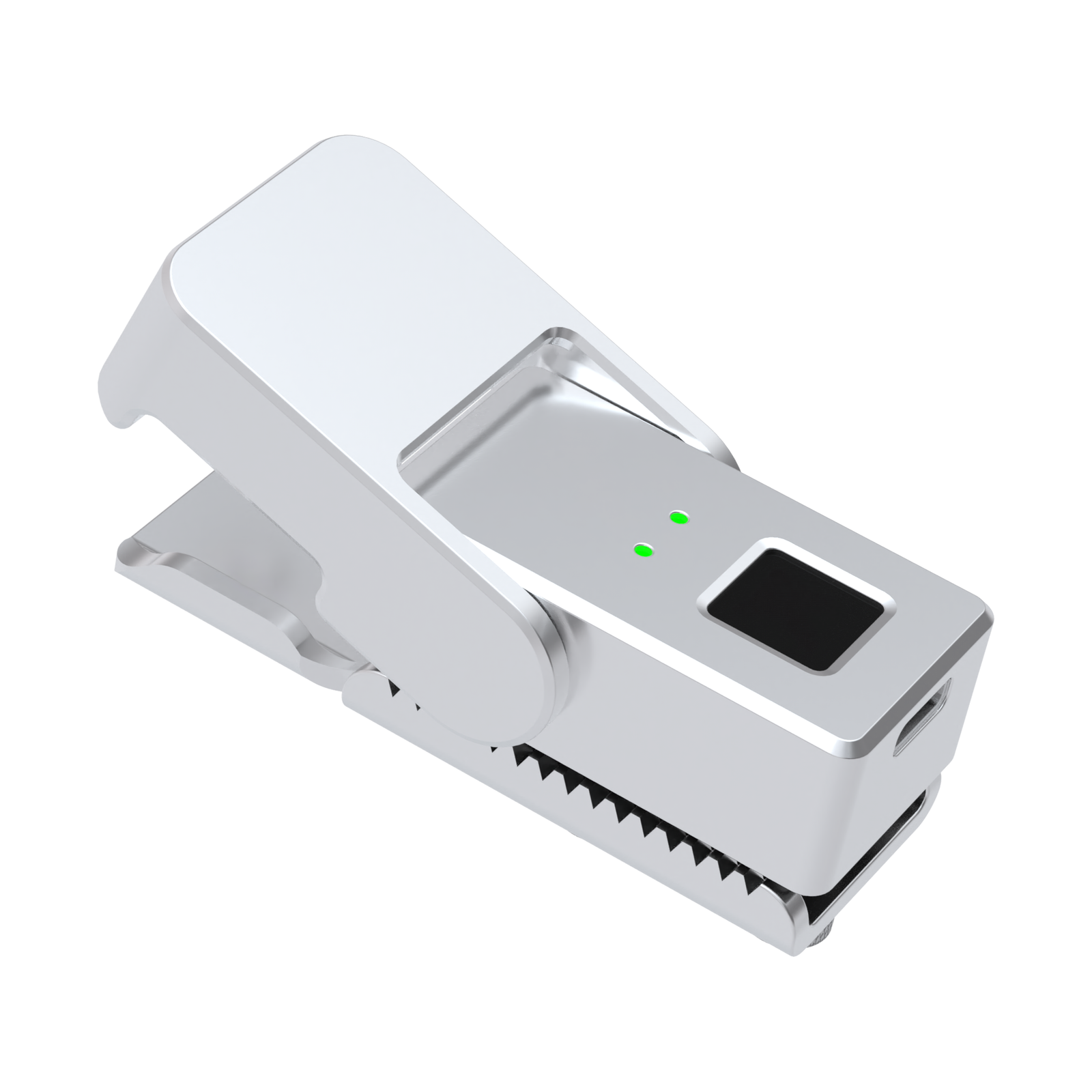
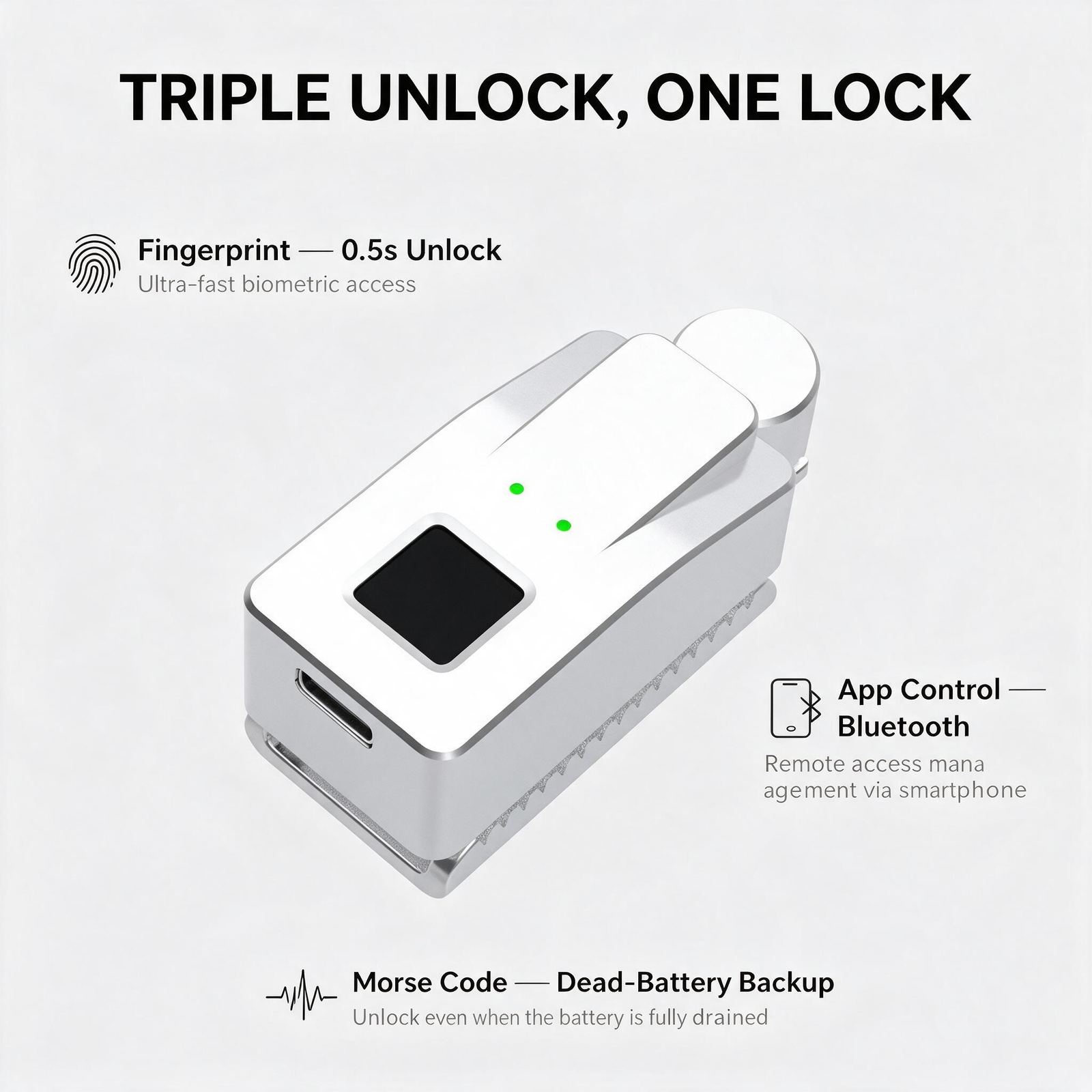
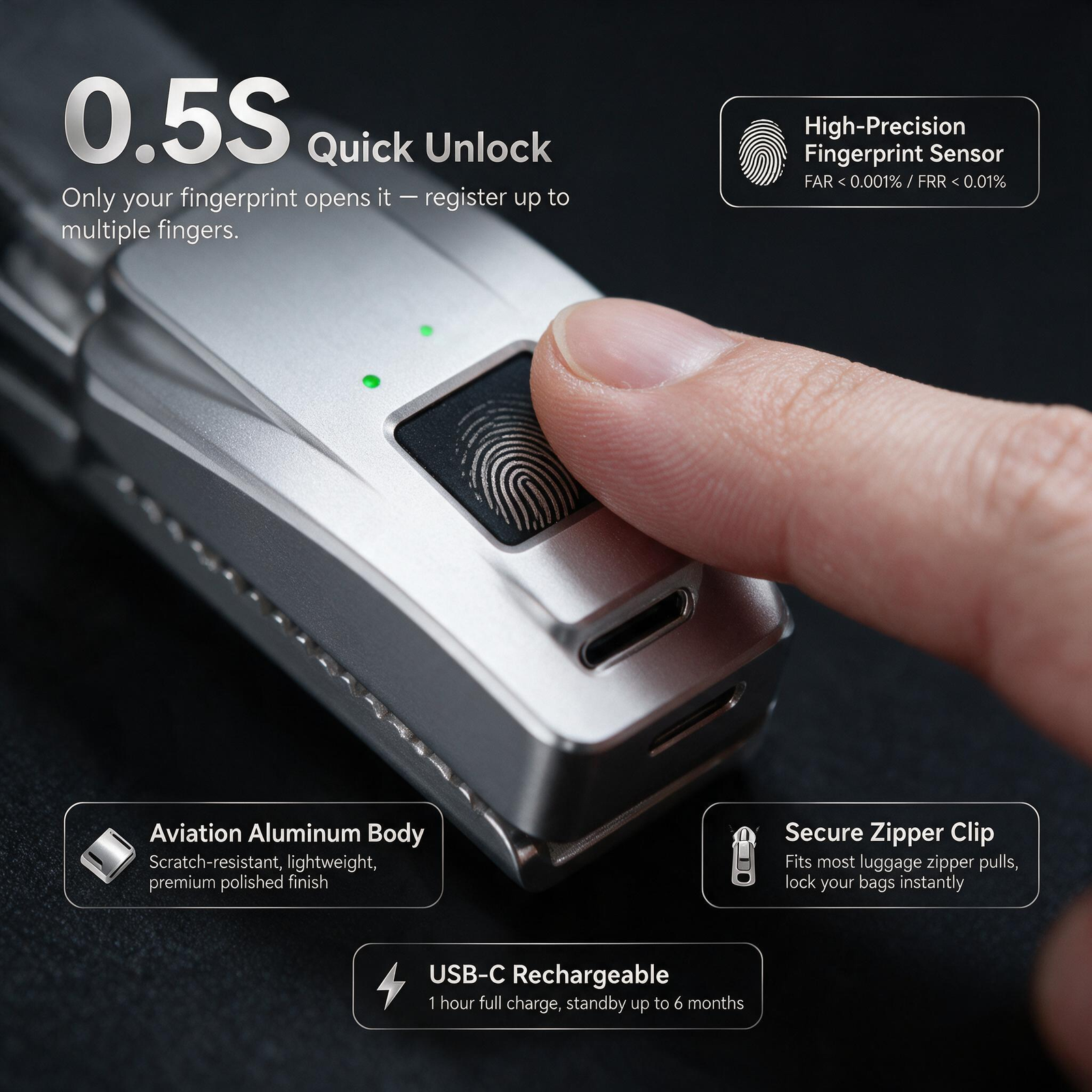
LOCKBB S7 Fingerprint Zipper Lock — Detachable Buckle The LOCKBB S7 is the detachable-buckle model of the LOCKBB fingerprint zipper-lock series. A small round buckle clips through the zipper-pull opening in seconds, then docks into the lock body mounted on the zipper line. One zinc-alloy body — 0.5-second fingerprint sensor, two-stage tap-code backup, USB-C charging — moves between your backpack, suitcase and handbag as easily as the buckle clips. The S7 is built for people who carry more than one bag: commuters who switch between a work backpack and a gym duffel, families sharing one lock across school bags, travelers moving the lock from a suitcase to a daypack. Unclip, re-clip, done — no second purchase per bag. Why a Detachable Buckle The buckle assembly opens with a small retaining clip, passes through the zipper-pull hole, and snaps closed. The docked buckle locks into the S7 body the same way a cover would — but because the buckle itself is removable, the lock leaves the bag with one motion and is ready for the next one. The body still mounts with a plate and screws at the locking point, so the locking side stays rigid and pry-resistant. Choose the S7 over the S5 hinged cover when one lock should serve several bags, or when your pull geometry favors a clip-through connector instead of a housed pull. Fingerprint Access, Tap-Code Backup, App Control One registered finger unlocks the S7 in about 0.5 seconds — lift your finger at the green light and release the buckle from the body. Up to 10 fingerprints stored. On app-enabled versions the first fingerprint is registered through the app; later ones can be added directly on the sensor. Two-stage tap-code backup (the manual's “Morse code”): tap the first group of your code while the light is green, the second group while it is blue. The factory-default code is 33, and it stops working once you set a personal code. The code path is electronic — the lock needs battery power for it, so recharge first if it does not respond. No phone is required. A successful emergency unlock restores factory settings and erases stored fingerprints and the personal code. Re-enroll before the lock returns to service. The APP + Fingerprint tier pairs over Bluetooth with the Tuya Smart app for one-tap unlock, shared access for family or teammates, and battery status. The Fingerprint Only tier has no Bluetooth — everyday unlocking works with the sensor alone. Before first use: with no fingerprint registered, any finger can open the lock. Enroll and test while the bag is open. Installing the S7 on a Compatible Zipper Open the retaining clip on the buckle assembly and pass the connector through the zipper-pull opening; refit the clip. Secure the buckle cover with its screws, keeping the zipper pull attached. Position the lock body and mounting plate on opposite sides of the zipper at the locking point and secure the screws. Move the zipper slider toward the lock and insert the buckle into the body until it engages. Unlock and confirm the buckle releases freely. To move the S7 to another bag, unlock, undock the buckle from the body, unclip it from the pull, and repeat the steps above — the lock body travels with the buckle. Do not force parts or overtighten screws; compatibility depends on the pull opening, spacing and bag construction. Care IP54: protected against dust and splashing water — do not submerge the lock. Keep the sensor clean and dry; keep the USB-C port dry before charging. Check the retaining clip, buckle cover screws and mounting screws periodically. Record your tap code somewhere outside the locked bag. S7 Specifications Model S7 detachable buckle Colors Silver / Black Unlock versions APP + Fingerprint ($69) / Fingerprint Only ($59) Dimensions 60 × 25 × 28 mm (2.36 × 0.98 × 1.10 in) Product weight 102 g Box dimensions 102 × 102 × 53 mm Product + box weight 210 g Housing Zinc alloy Fingerprint capacity Up to 10 fingerprints Backup access Two-stage tap code on the sensor (factory default 33) App connectivity Bluetooth on app-enabled versions (Tuya Smart) Charging USB-C, DC 5 V; 3.7 V battery Stated standby Up to 180 days; varies with use and conditions Ingress protection IP54 Operating temperature −20 to +70 °C (−4 to +158 °F) S7 FAQ Can one S7 really move between bags? Yes — that is the S7's purpose. The buckle clips through any zipper pull whose opening accepts the connector; the lock body mounts at each bag's locking point with the supplied plate and screws. Move the lock by unclipping the buckle and re-clipping it on the next bag. What makes the S7 different from the S5? The S5 houses the pull under a hinged cover and stays on one bag; the S7's round buckle is detachable, so the lock travels. The S7 body is also the smaller of the two (60 × 25 × 28 mm versus 73 × 31 × 29 mm). How many fingerprints can I store? Up to 10. On app-enabled versions, register the first fingerprint in the Tuya Smart app and add the rest on the sensor. Does the tap code need the app or my phone? No phone is involved — the code is tapped on the sensor in two groups (green light, then blue light). The lock itself needs battery power to read the code, so charge it if it does not respond. What happens after an emergency unlock? The lock restores factory settings: fingerprints and your personal code are erased. Enroll again and set a new code before locking anything. What is the difference between APP + Fingerprint and Fingerprint Only? The APP + Fingerprint tier adds Bluetooth pairing with the Tuya Smart app (one-tap unlock, shared access, battery status). The Fingerprint Only tier drops Bluetooth and costs $10 less — the fingerprint sensor, tap-code backup and charging are identical on both tiers. Which colors and versions does the S7 come in? Silver and matte black, each offered as APP + Fingerprint ($69) or Fingerprint Only ($59).